What Is Remote Construct?
Remote Construct lets you drive a real machine on a real outdoor site from your web browser. You get a live camera feed and a timed session on the controls. The ground you work on is shared with every other operator, so what you do during your session stays there for the next person.
This is an early version and a work in progress. The machine, the site and the controls will all improve over time, and you can follow the changes on the news page.
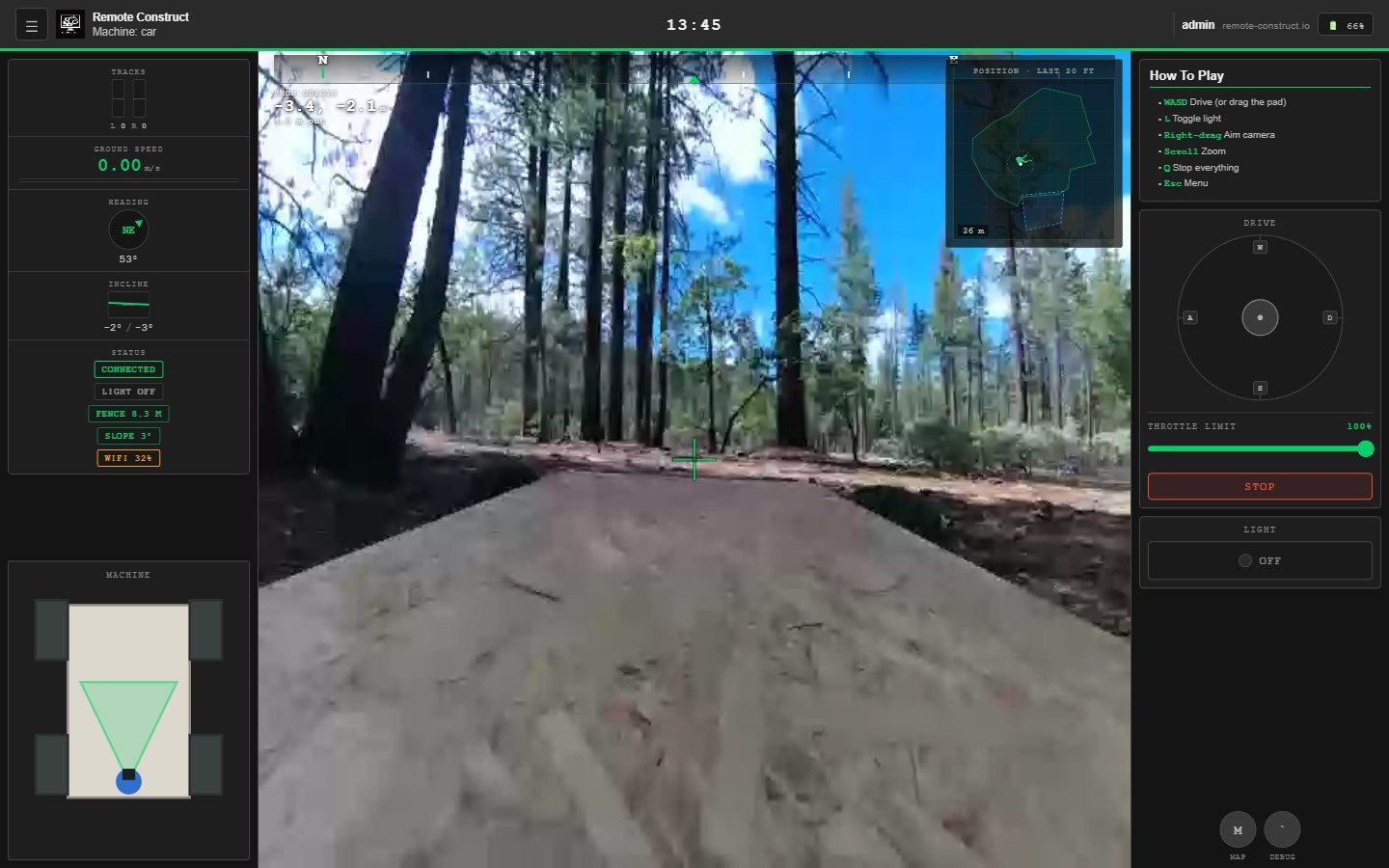
How It Works
1. Choose a machine
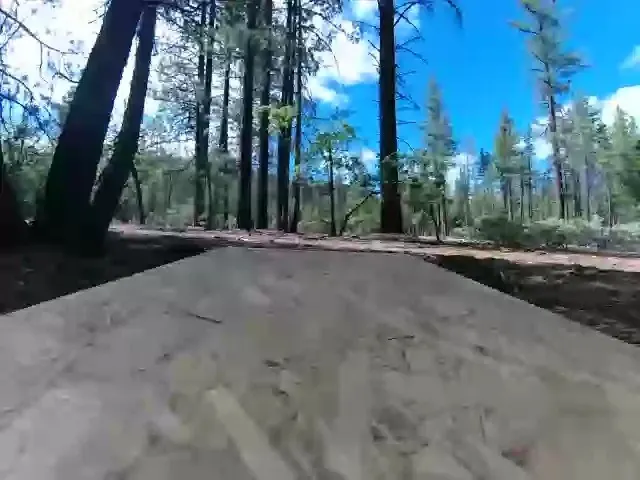
The dashboard lists each machine with its online status, battery level and current operator. Select Rent to begin. If the machine is in use you join a queue and can see a recent view from its camera while you wait. Your turn will find you on any page of the site, so you can browse while you wait.
2. Take control
When your turn begins you receive the live camera feed and fifteen minutes on the controls. You can drive with the keyboard (W A S D by default, and the keys can be changed), with a gamepad, or with the on-screen controls on a phone. Hold the right mouse button over the video to aim the camera and scroll to zoom. Everything runs in the browser.
3. Drive the site
Explore the ground, find your way around and see what the machine can do. The session is yours to use as you see fit within the site boundary, which the machine keeps to on its own.
4. Leave your mark
When your time is up the next operator takes over. Your work remains on the site, and you can come back at any time to see how it has changed.
The Machines
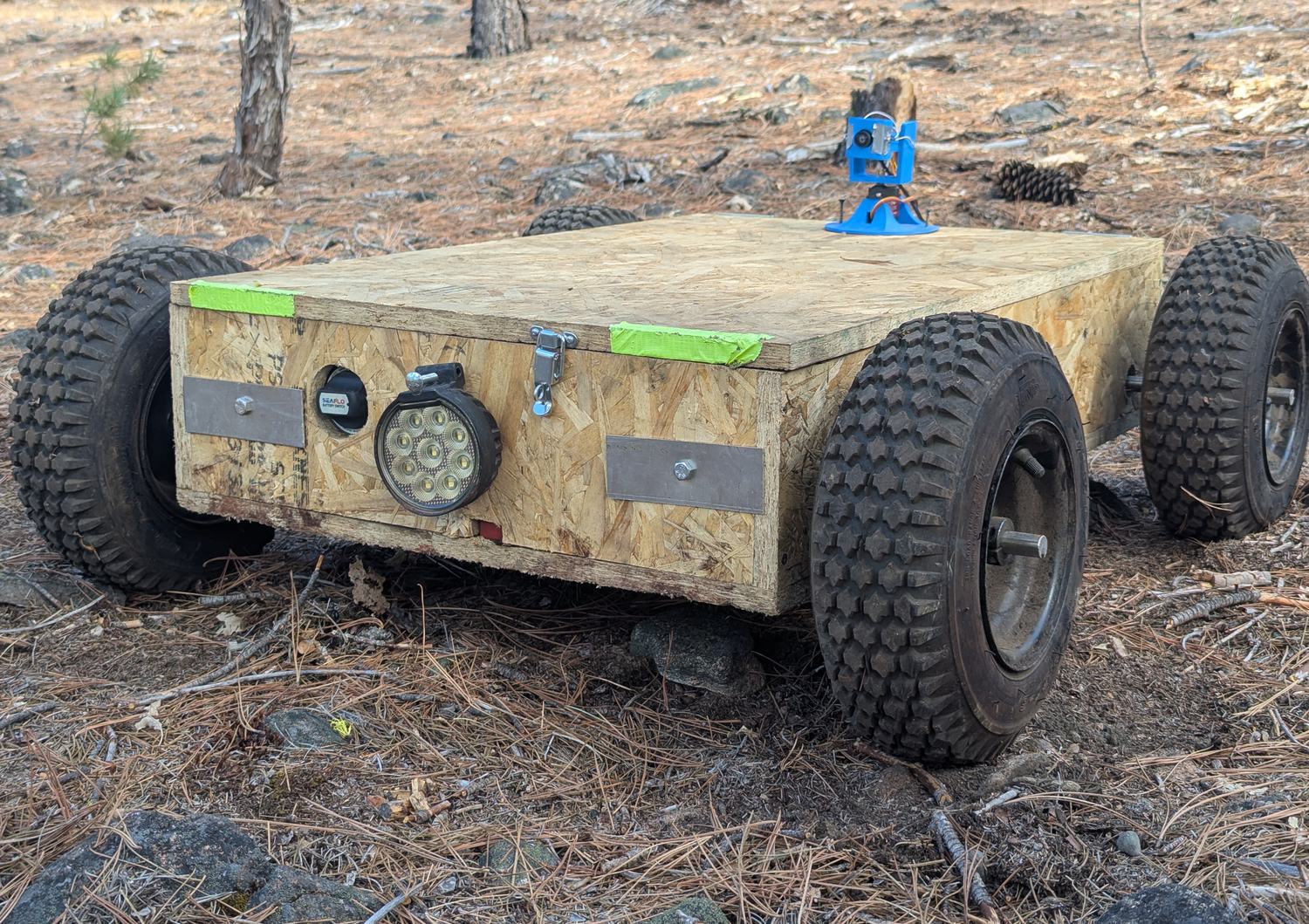
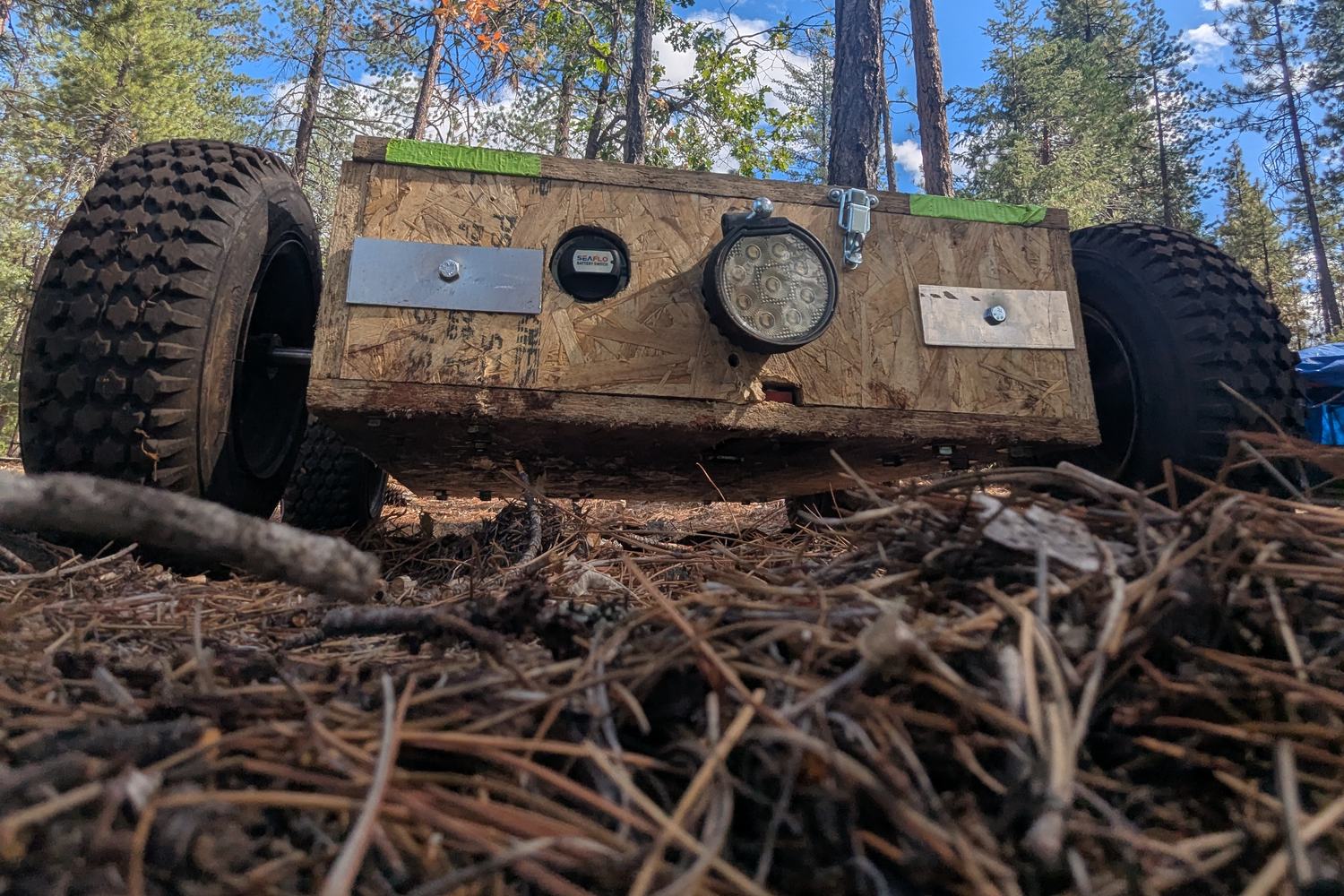
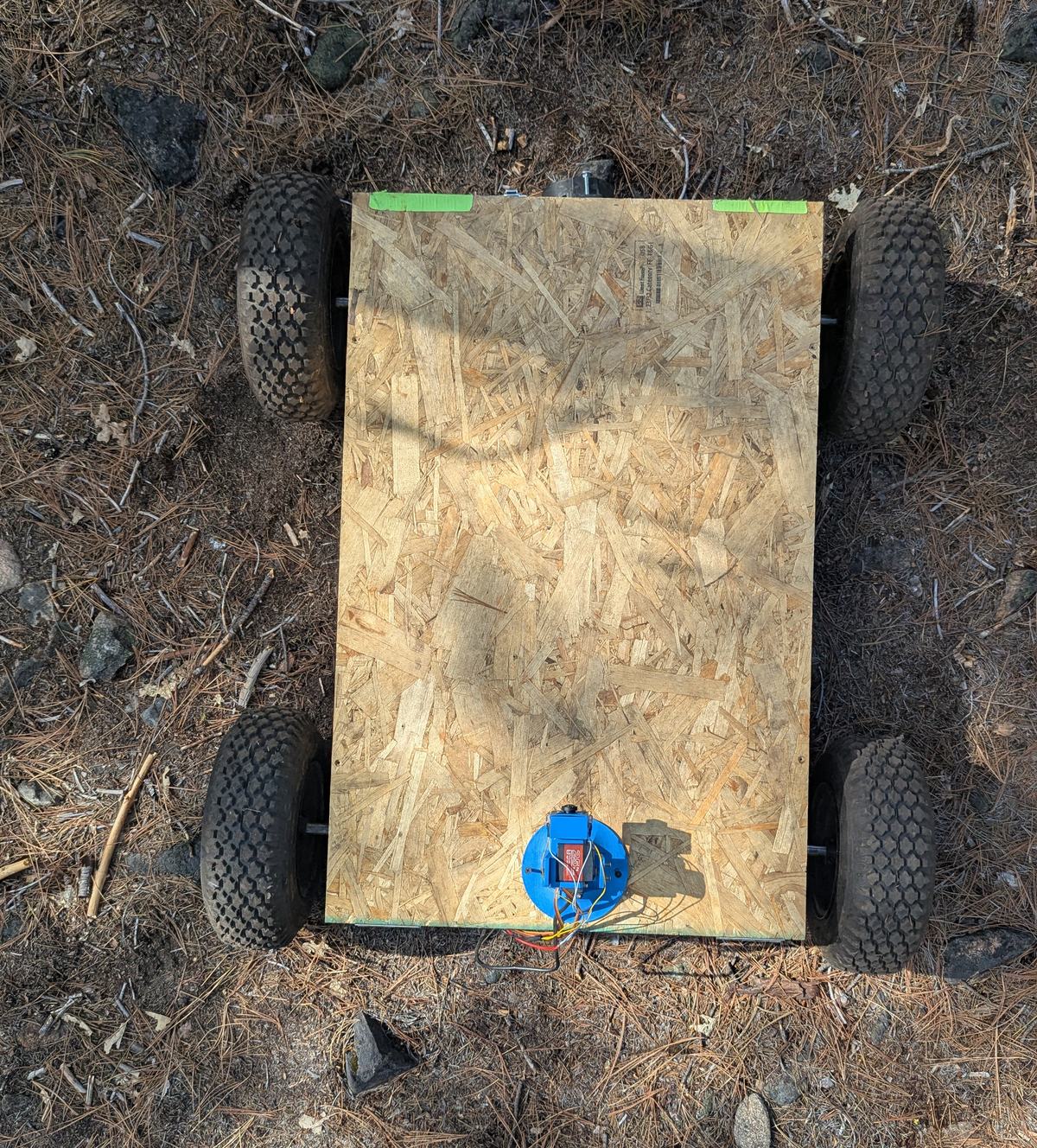
The current machine is a proof-of-concept vehicle. It is a compact four-wheeled chassis with skid steering, a work light and a camera that can be aimed and zoomed, and it operates on a real patch of ground outdoors. It can't move dirt yet. Driving is the whole job for now. Two safety limits are built into the machine itself. It will stay inside a boundary fence set around the site, and a tilt limit stops it from driving onto ground steep enough to overturn it. A second machine with a full metal body, a better camera and some way to move dirt is in development. You can read about it under Future Plans, and it will be announced on the news page when it comes online.
What to Expect
The machine is controlled over a wireless link, so there is a short delay between a command and the picture responding. This is typically a few hundred milliseconds. A home broadband or wired connection gives the best experience. VPNs and some corporate or campus networks can stop the video from connecting. A diagnostics overlay is available while driving if you would like to see the figures for your own connection.
The whole system is still being developed. Some things will be rough, some things will break, and the delay will come down as the hardware and software improve. If something does not work the way you expected, that is exactly the kind of thing we want to hear about.
Beta Programme
Before a machine is released to everyone, a small group of beta testers drives it first and reports what broke, what was unclear and what they would change. Testers complete a short questionnaire before and after each drive. If you would like to take part, apply here.
Who It Is For
Remote Construct is for anyone who enjoys building things and operating machinery. It was designed with players of factory and construction games in mind. No previous experience is needed, and first-time operators are welcome.
Support
Press Esc while driving to open the pause menu. It contains settings, key bindings and an I'm Stuck button that alerts a member of staff if the machine needs assistance. For anything else, join the community on Discord or email contact@remoteconstruct.io.